
Hermes Agent Setup Guide: The Self-Improving AI Agent by Nous Research (2026)
Install Hermes Agent in under 5 minutes — an open-source autonomous AI that builds its own skills, learns from your conversations, and connects to Telegram, Discord, Slack, and WhatsApp.
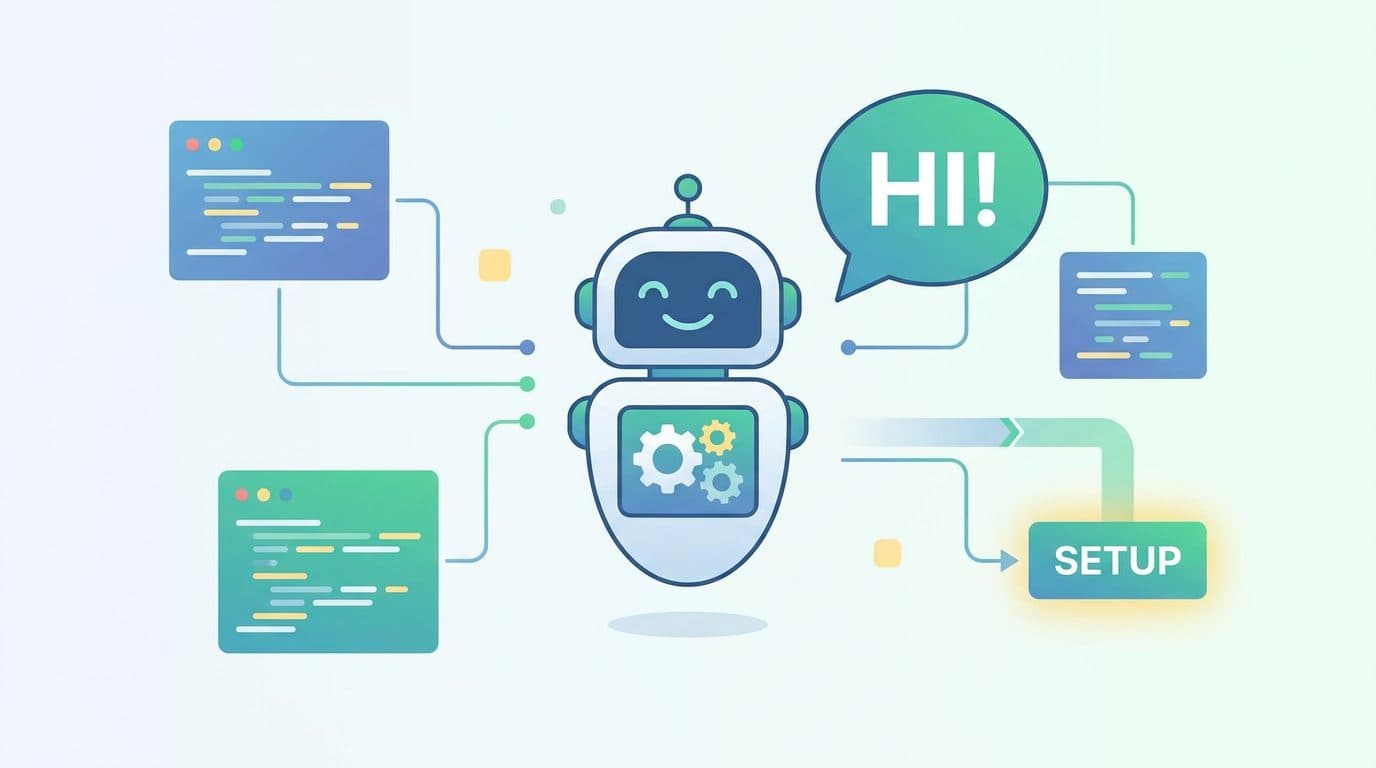
Most AI agents are stateless. Every session starts from zero — you re-explain your project, re-introduce your context, re-describe what you're working on. That's the gap Hermes Agent closes.
Hermes Agent is an open-source autonomous AI built by Nous Research. It maintains persistent memory across sessions, creates and improves its own skills based on what you teach it, and connects to wherever you are — Telegram, Discord, Slack, WhatsApp, or the terminal. You can run it on a $5 VPS and talk to it from your phone while it works in the background.
This guide walks through the full setup: install, first configuration, messaging gateway, and the memory + skills system that makes Hermes genuinely different from other agents.
What Makes Hermes Agent Different
| Feature | Hermes Agent | Typical AI Agent |
|---|---|---|
| Memory across sessions | ✅ Persistent (FTS5 search + summaries) | ❌ Starts fresh |
| Builds its own skills | ✅ After complex tasks | ❌ Fixed toolset |
| Messaging platforms | ✅ Telegram, Discord, Slack, WhatsApp, Signal | ❌ Terminal only |
| Runs anywhere | ✅ VPS, Docker, SSH, serverless | ❌ Local machine |
| Model flexibility | ✅ 200+ models via OpenRouter | ❌ Usually locked |
| Scheduled automations | ✅ Built-in cron scheduler | ❌ None |
Hermes uses a closed learning loop — after you complete a complex task together, it automatically creates a skill (a reusable procedure) so future versions of that task run faster. Over time, it gets noticeably better at what you specifically use it for.
System Requirements
- OS: Linux, macOS, or WSL2 (Windows native not supported)
- Python: 3.11+
- RAM: 2 GB minimum (it calls external APIs — no local GPU needed)
- API key: Any model provider — OpenRouter, OpenAI, Anthropic, or Nous Portal
Hermes doesn't run models locally (unless you configure a local endpoint). It's an agent layer that calls whichever LLM you connect it to. This keeps the hardware requirements minimal.
Installation
One-line install
curl -fsSL https://raw.githubusercontent.com/NousResearch/hermes-agent/main/scripts/install.sh | bash
The installer handles platform-specific setup automatically. Works on Linux, macOS, and WSL2.
After it completes:
source ~/.bashrc   # reload shell (or: source ~/.zshrc on macOS)
hermes             # start your first conversation
Verify the install
hermes --version
hermes doctor      # diagnoses any config or dependency issues
First-Time Setup
The first time you run hermes, it launches the setup wizard:
hermes setup
The wizard asks you to:
- Choose a model provider — OpenRouter is the easiest starting point (200+ models, pay per use, no commitment)
- Enter your API key — paste the key from your provider
- Select your default model —
hermes modelshows available options; start withanthropic/claude-3.5-sonnetoropenai/gpt-4o - Enable tools —
hermes toolsto configure which capabilities are on by default
For OpenRouter, get a free API key at openrouter.ai — no GPU or subscription needed.
Core Commands
Once set up, these are the commands you'll use every day:
hermes              # Start a conversation
hermes model        # Switch model or provider
hermes tools        # Toggle tools on/off
hermes config set   # Update any config value
hermes update       # Update to the latest version
hermes doctor       # Diagnose issues
Inside a conversation (slash commands):
| Command | What it does |
|---|---|
/new or /reset |
Start a fresh conversation |
/model [provider:model] |
Switch models mid-conversation |
/skills |
Browse available skills |
/compress |
Compress context to save tokens |
/usage |
Check token and cost usage |
/insights --days 7 |
Summary of last 7 days of activity |
/retry |
Retry the last response |
/undo |
Roll back the last turn |
Memory and Skills: The Learning Loop
This is what separates Hermes from tools like ChatGPT or Claude.
Persistent memory
Hermes keeps two types of memory:
- MEMORY.md — facts and preferences you tell it explicitly ("I prefer short answers", "my project uses Python 3.11")
- USER.md — a profile it builds over time based on how you interact, what topics you care about, and your working style
You can search your own memory across sessions:
# Inside a conversation
/insights --days 30   # What have we worked on this month?
Full-text search over all past conversations is built in — ask "what did we discuss about the pricing model last week" and it will find it.
Skills system
When you and Hermes complete a multi-step task together, it can create a skill — a reusable procedure stored locally. The next time you need something similar, Hermes executes the skill instead of reasoning from scratch.
Browse your skills:
/skills              # List all installed skills
/skill-name          # Run a specific skill
Skills also self-improve during use. If Hermes finds a faster or more reliable path than the stored procedure, it updates the skill automatically.
The Skills Hub has community-contributed skills you can install without building from scratch.
Messaging Gateway (Telegram, Discord, Slack, WhatsApp)
The messaging gateway lets you talk to Hermes from your phone via any messaging platform — while the agent runs on a remote server or VPS.
Setup:
hermes gateway setup   # Configure platform credentials
hermes gateway start   # Start the gateway process
The wizard walks you through connecting each platform. For Telegram (most common):
- Create a bot via @BotFather on Telegram
- Copy the bot token when prompted by
hermes gateway setup - Start the gateway and message your bot
Once connected, every message you send to the Telegram bot goes to Hermes. Responses come back to the same thread. The full slash-command system works the same way as the terminal.
Check connected platforms:
/platforms   # List all active messaging connections
/status      # Platform-specific status
Cross-platform continuity is supported — start a conversation on Telegram and continue it in the terminal; the context carries over.
Scheduled Automations (Cron)
Hermes has a built-in cron scheduler. Set it up in plain English:
# Inside a conversation
"Schedule a daily report on my GitHub issues every morning at 9am"
"Run a weekly backup of my notes folder every Sunday at midnight"
"Send me a digest of Hacker News top posts every weekday at 8am via Telegram"
Hermes creates the scheduled task and delivers results to whatever platform you specify. No cron syntax required — it translates your natural language into a schedule.
View and manage schedules:
hermes config set # Shows scheduled tasks in config
Running on a VPS (Recommended)
Running Hermes on a $5–10/month VPS (DigitalOcean, Hetzner, Linode) means the agent is always on — not dependent on your laptop being open.
# On your VPS
curl -fsSL https://raw.githubusercontent.com/NousResearch/hermes-agent/main/scripts/install.sh | bash
hermes setup
hermes gateway setup    # Connect Telegram/Discord
hermes gateway start &  # Run as background process
With the gateway running and Telegram connected, you can close your laptop and the agent keeps working. Scheduled tasks fire on time. It responds to your messages from anywhere.
For true persistence (agent survives server reboots), add the gateway to a systemd service or use a process manager like pm2.
Migrating from OpenClaw
If you were using OpenClaw before, Hermes can import your entire setup:
hermes claw migrate              # Full migration with prompts
hermes claw migrate --dry-run    # Preview what gets imported
What migrates automatically: memories, skills, API keys, messaging configs, personality files, and workspace instructions.
Practical Examples
Code review on demand — push a file path and ask for a review. Hermes reads the file, checks for issues, and responds with annotated suggestions.
Meeting notes processor — paste raw notes into the conversation. Hermes extracts action items, formats them as tasks, and optionally adds them to your task list.
Research assistant — ask Hermes to research a topic, summarize sources, and store the key findings in memory for future reference.
Daily briefing — schedule a morning report that pulls your calendar, GitHub issues, and any flagged emails into a summary sent to Telegram before you wake up.
Next Steps
After your first conversation:
- Run
/insightsafter a week to see how Hermes is building a model of your work - Install a few community skills from the Skills Hub
- Connect the Telegram gateway so you can reach it from anywhere
- Try scheduling one recurring task — the automation value compounds over time
The full documentation is at hermes-agent.nousresearch.com/docs.

Alex the Engineer
•Founder & AI ArchitectSenior software engineer turned AI Agency owner. I build massive, scalable AI workflows and share the exact blueprints, financial models, and code I use to generate automated revenue in 2026.
Related Articles
Gemma 4 on Mac: MacBook Air, Mac Mini & Pro Setup Guide (2026)
Run Gemma 4 locally on MacBook Air, Mac Mini, or MacBook Pro — M1/M2/M3/M4. Free, offline, step-by-step. System requirements, RAM tips, and benchmarks included.
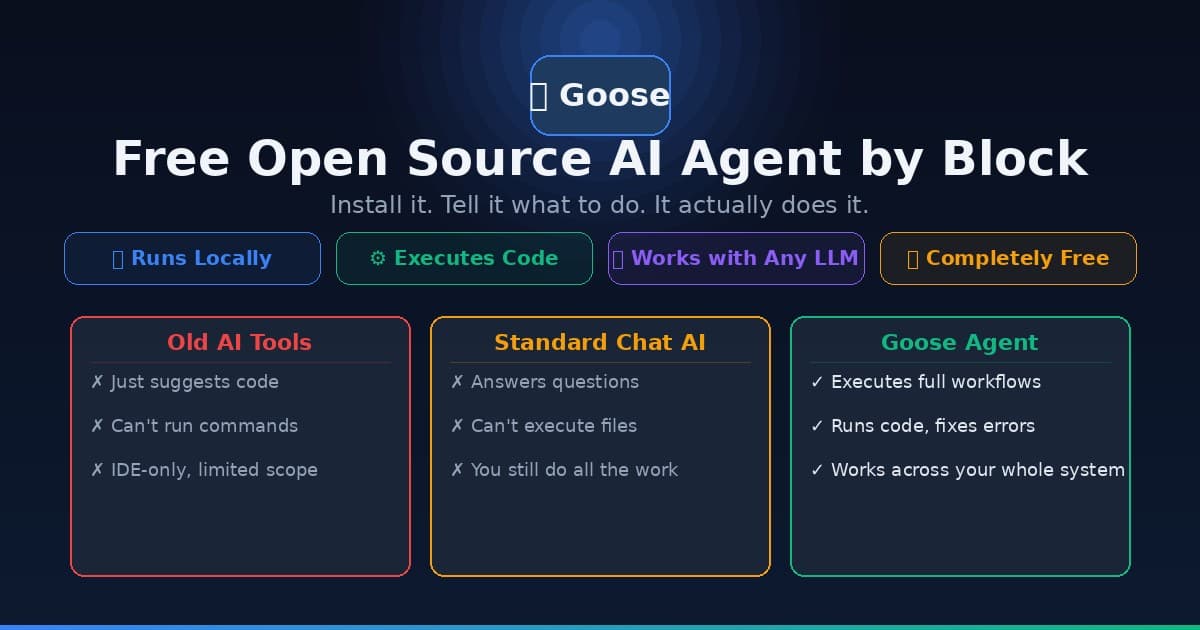
Goose AI Agent: How to Set Up the Free Open Source Agent by Block
Learn how to install and use Goose, the free open source AI agent from Block (Jack Dorsey's company) that automates coding, research, and workflow tasks — no cloud subscription required.
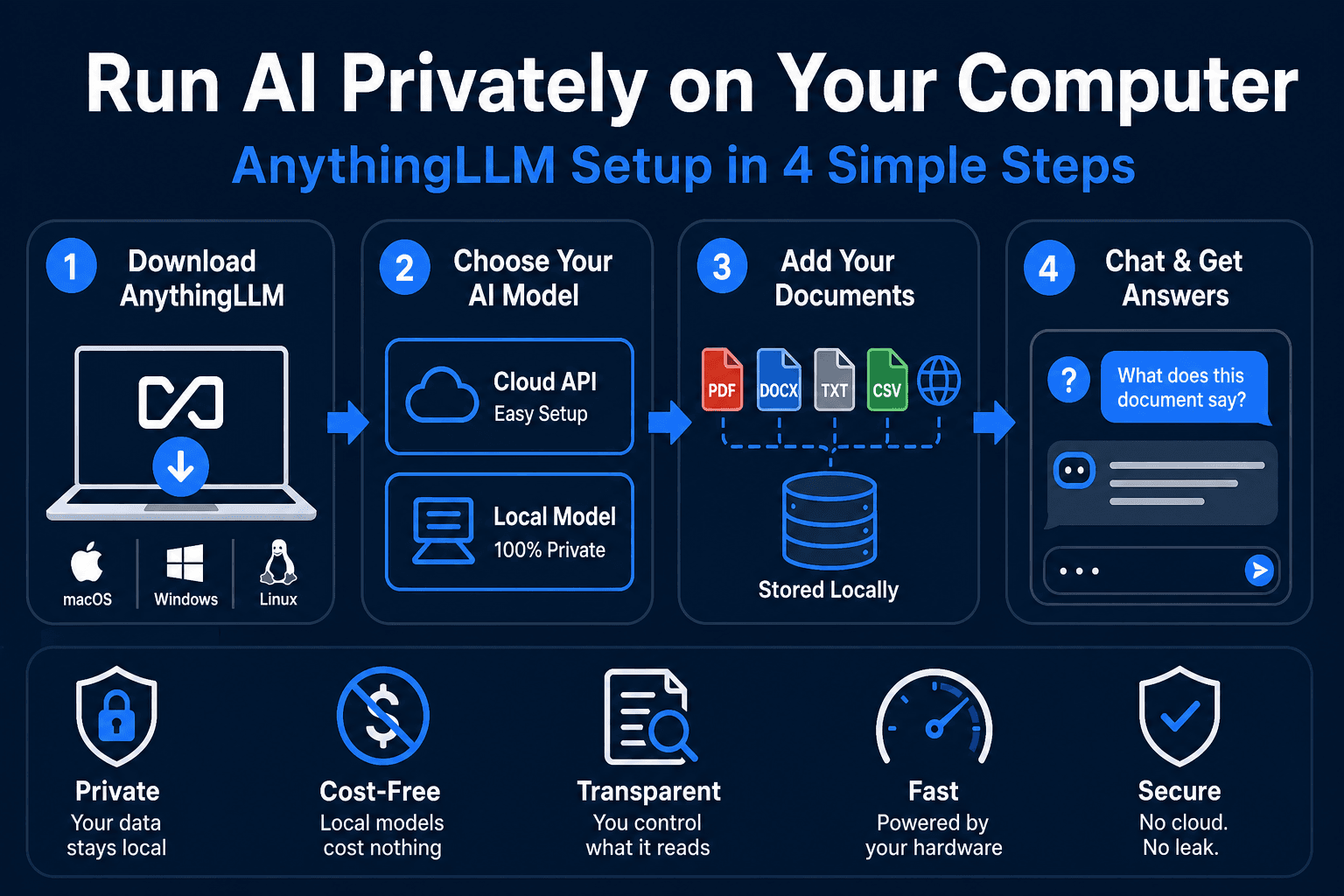
AnythingLLM Setup Guide: Run Any AI Model Privately on Your Computer (2026)
Step-by-step AnythingLLM setup guide for beginners. Connect GPT, Claude, or run fully private local AI — no cloud required. Works on Windows, Mac, and Linux.