
Best AI Tools for YouTube Automation in 2026 (That Actually Make Money)
The exact stack of AI tools behind every profitable faceless YouTube channel in 2026 — from script to upload — with real revenue math.
YouTube automation is one of the few online businesses where the math genuinely works. A faceless channel posting three videos per week can realistically hit $3,000–$8,000/month within 12 months — if you pick the right niche and use the right tools. The problem is that most "YouTube automation" guides list 20 tools and tell you nothing about which ones actually move the needle.
This is a stack-first guide. I'll show you exactly which AI tools handle each step of the production pipeline, what they cost, and how they connect to real revenue.
The YouTube Automation Stack in 2026
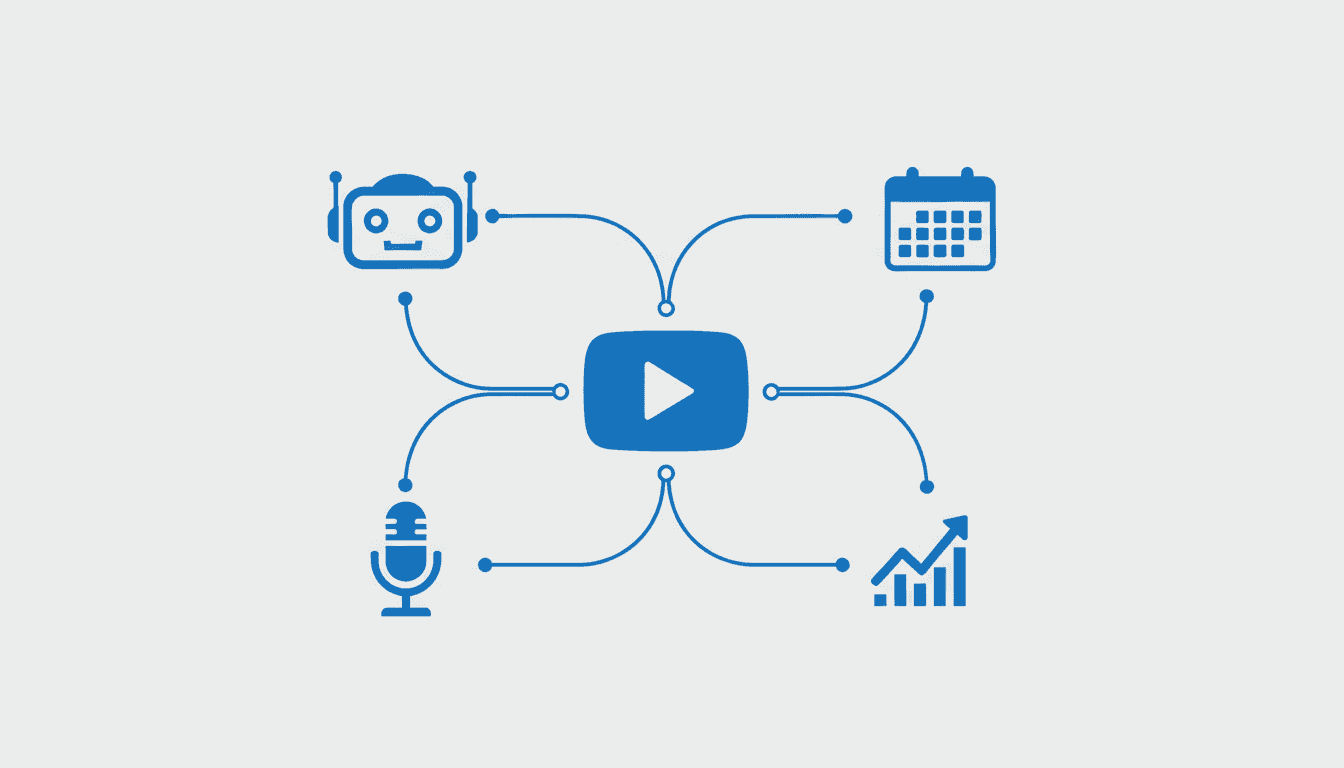
A profitable YouTube automation channel runs on five stages: research → script → voice → visuals → publish. If any stage is manual or slow, your output drops and so does your income. Here's the current best-in-class tool for each stage.
| Stage | Best Tool | Monthly Cost | Time Saved |
|---|---|---|---|
| Research & SEO | TubeBuddy / VidIQ | $19–$49 | 4–6 hrs/video |
| AI Script | Claude API or ChatGPT | $20 flat | 2–3 hrs/video |
| AI Voice | Murf.ai | $26–$74 | 3–4 hrs/video |
| Thumbnails | Midjourney + Canva | $30 | 1–2 hrs/video |
| Scheduling | TubeBuddy / YouTube Studio | Free | 30 min/video |
Total tool cost: ~$100–$170/month. Against a channel earning $3,000+/month at RPMs of $8–$25, that's a sub-6% overhead. The leverage is real.
Stage 1: Research — What to Make Videos About
The biggest mistake YouTube automation beginners make is skipping keyword research. Posting great videos on zero-search topics earns you nothing.
VidIQ and TubeBuddy both offer AI-powered keyword research that shows you search volume, competition scores, and trending topics in your niche. For automation, you want keywords with a "search volume > competition" ratio — high interest, low saturation.
The unique angle in 2026: use AI to find evergreen + trending intersections. A video titled "How to Make Money With AI in 2026 (Step-by-Step)" targets a keyword that's both perennially searched and benefits from the 2026 timestamp. These hybrid keywords punch above their weight in suggested views.
Stage 2: AI Scriptwriting
Once you have a keyword, the script is where most time was wasted pre-AI. Today, a detailed, monetization-optimized script takes about 15 minutes.
The workflow that works:
- Feed your keyword + niche to Claude or ChatGPT with a custom prompt
- Tell it your channel tone (e.g., "conversational, slightly skeptical, no hype")
- Ask it to write a 7-minute script with a strong hook in the first 30 seconds
The hook is non-negotiable. YouTube's algorithm measures audience retention — if 60%+ of viewers watch past 30 seconds, the video gets pushed. Your AI-generated hook should open with a pattern interrupt: a surprising stat, a counterintuitive claim, or a direct promise.
One prompt addition that most guides miss: tell the AI to add timestamps naturally into the script. This trains you to structure videos in chapters, which YouTube rewards with better search placement.
Stage 3: AI Voice — The Most Underrated Part of the Stack
Most new YouTube automation creators use free TTS tools (ElevenLabs free tier, Replica Studios) and wonder why their retention drops after the first 2 minutes. The answer is listener fatigue: robotic or monotone AI voices cause people to click away even when the content is good.
Murf.ai is the tool that separates channels that scale from channels that plateau. Here's what makes it different:
- Voice cloning: You can create a signature voice for your channel that no competitor can replicate
- Emotional range: Murf can add emphasis, urgency, and warmth at specific words — critical for scripted ad reads
- Studio-quality output: 48kHz audio that doesn't need post-processing in Audition or DaVinci
The economics make sense too. At the $26/month Murf Creator plan, you get unlimited voice generation. A channel posting 12 videos/month — each with a 7-minute script (~900 words each) — costs roughly $2.17 per voice track. Compare that to hiring a voice actor ($150–$300 per video) and the math is obvious.
For channels monetized through sponsorships (where the host's delivery matters), Murf's prosody controls let you nail the "casual but credible" tone that converts viewers into buyers.
Stage 4: Thumbnails and Visuals
YouTube's internal data consistently shows that thumbnail CTR (click-through rate) is the single strongest predictor of a video's algorithmic success. A video at position 3 with a 12% CTR will outperform a position 1 video with a 6% CTR.
The current thumbnail stack:
- Midjourney for background scenes and character imagery
- Canva Pro for text overlays, contrast adjustments, and brand consistency
- A/B test via TubeBuddy's Thumbnail Analyzer — upload two thumbnail variants and let the tool pick the winner after 100 impressions
The key insight: your thumbnail should answer "Why should I watch this instead of the next video?" in under 0.5 seconds. Emotion + curiosity + clear subject. The AI tools handle the imagery; your job is the composition judgment.
Stage 5: Scheduling and Publishing
Once you have the video rendered (script narrated, B-roll/visuals added in CapCut or DaVinci), scheduling is the last stage. YouTube Studio's built-in scheduling is free and works fine. TubeBuddy adds one killer feature: Best Time to Publish recommendations based on when your specific audience is active.
For automation channels targeting US audiences, Wednesday and Thursday uploads between 12–3 PM EST consistently outperform weekend uploads.
The Real Revenue Math
Here's what a mature YouTube automation channel actually earns across income streams:
- AdSense RPM: $8–$25 per 1,000 views (finance/AI niches hit $20+)
- Sponsorships: $500–$2,000 per video at 10,000 subscribers
- Affiliate links in descriptions: 2–8% commission on purchases
- Digital products: Your own course or guide linked in the description
A channel at 50,000 subscribers posting 3 videos/week at 5,000 views each: ~$750–$1,875/month from AdSense alone. Add one sponsor per video ($300 average) and an affiliate product with 10 conversions/month at $50 commission: $2,250–$3,375/month total, working 8–10 hours per week with AI handling the production pipeline.
Key Takeaways
- The full automation stack costs $100–$170/month and replaces 10–15 hours of manual work per week
- Voice quality is the hidden lever — upgrade to Murf.ai before you hit 5,000 subscribers or your retention numbers will stop growing
- Thumbnail CTR matters more than upload frequency — optimize thumbnails first
- The hybrid evergreen+year keyword strategy is underused and works well in 2026
For a deeper dive into the strategy side, read our guide on AI YouTube Automation: Methods and Strategies. And if you want to understand the voice tool landscape before picking one, our AI Voice Generator for YouTube: Full Breakdown covers all the options side by side.
To run any of these AI tools locally on your own hardware, check your VRAM first — local inference requires at least 8GB dedicated GPU memory.
Frequently Asked Questions
How much does it cost to start a YouTube automation channel?
The minimum viable stack is about $75–$100/month: ChatGPT ($20), Murf.ai ($26), Canva Pro ($15), and VidIQ ($19). CapCut for video editing is free. Most beginners over-invest in tools before validating the niche — start lean, scale once you hit 1,000 subscribers.
How long until a YouTube automation channel makes money?
Most channels take 3–6 months to reach YouTube Partner Program eligibility (1,000 subscribers + 4,000 watch hours). Revenue typically starts between months 4–8, assuming consistent uploads (2–3 videos/week) and solid SEO targeting from day one.
Is faceless YouTube automation still viable in 2026?
Yes — viewer preference for faceless content has grown alongside podcast-style listening habits. The niches that work best are finance, AI/tech tutorials, history, and self-improvement. Niches that have become oversaturated: "10 AI tools that will change your life" style content and generic motivational channels.
Do I need to edit the AI-generated script before recording?
Always. AI scripts are a first draft, not a final product. The biggest edits to make: remove any sentences that sound unnatural when spoken aloud, add your own opinion or real-world observation at least once per section, and check for any factual claims the AI may have invented.
What's the best niche for YouTube automation in 2026?
Personal finance (budgeting, investing basics, debt payoff) and AI tool reviews consistently deliver RPMs above $15. Both have large evergreen audiences and steady advertiser demand regardless of season.

Alex the Engineer
•Founder & AI ArchitectSenior software engineer turned AI Agency owner. I build massive, scalable AI workflows and share the exact blueprints, financial models, and code I use to generate automated revenue in 2026.
Related Articles
What Is GEO (Generative Engine Optimization)? The 2026 Guide
GEO is the practice of optimizing your content so AI tools like ChatGPT, Claude, and Perplexity cite and recommend it. Here's exactly how it works — and why it's not replacing SEO.
AI Automation Agency: Build a $25k MRR AAA in 2026
Launch a profitable AI Automation Agency. Learn to scale to $25,000 MRR using n8n workflows and CustomGPT to solve high-value business problems.